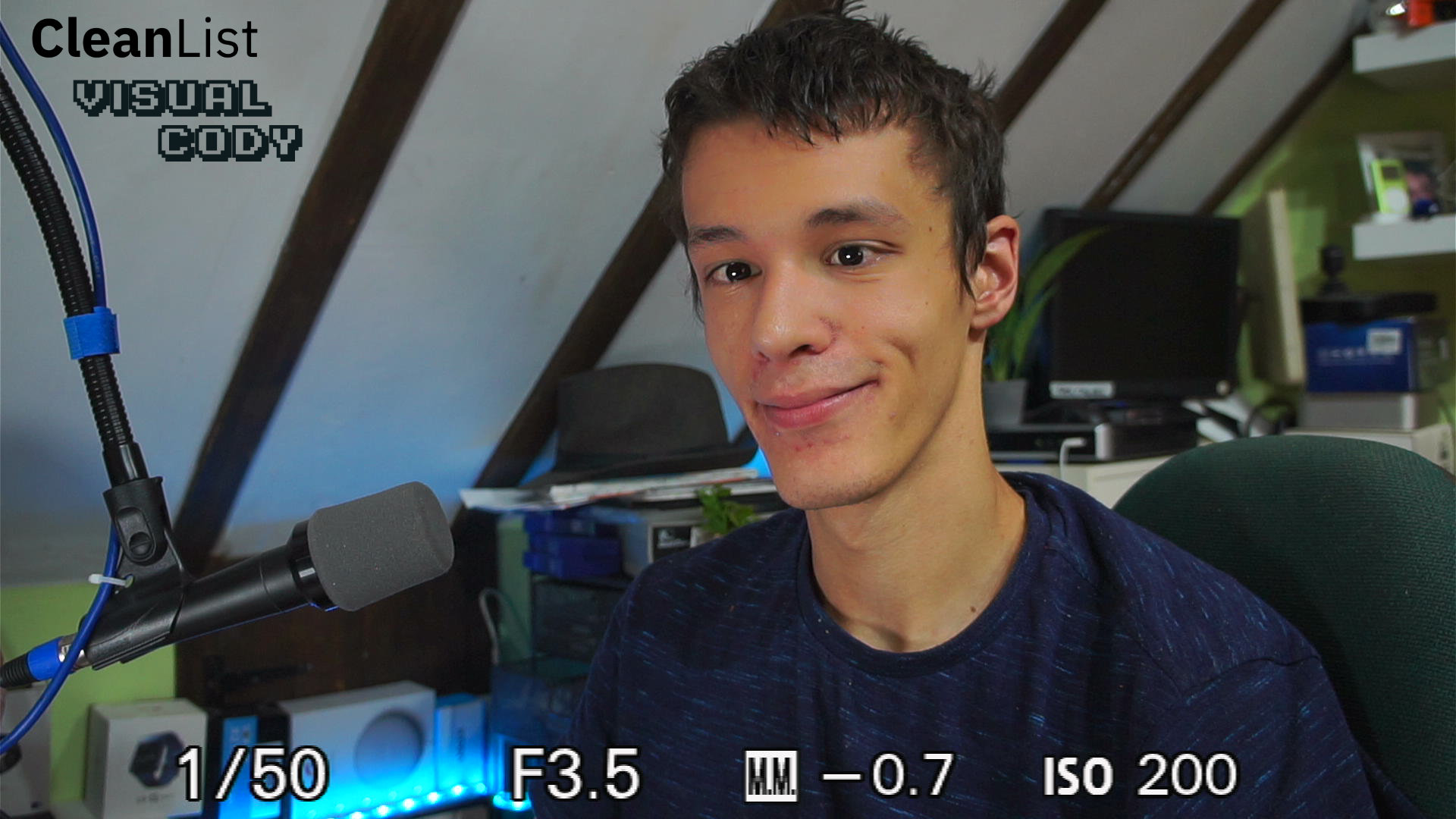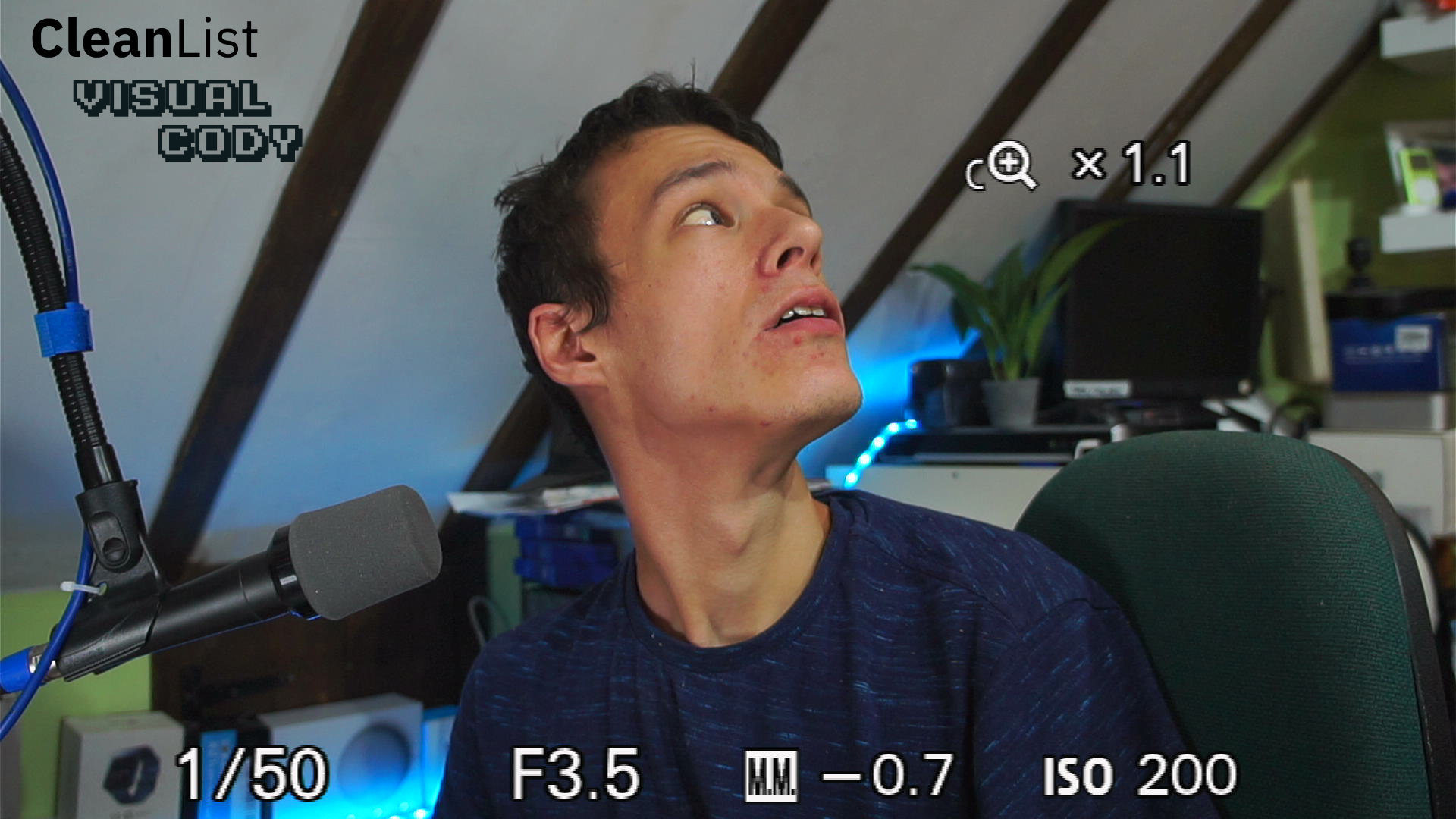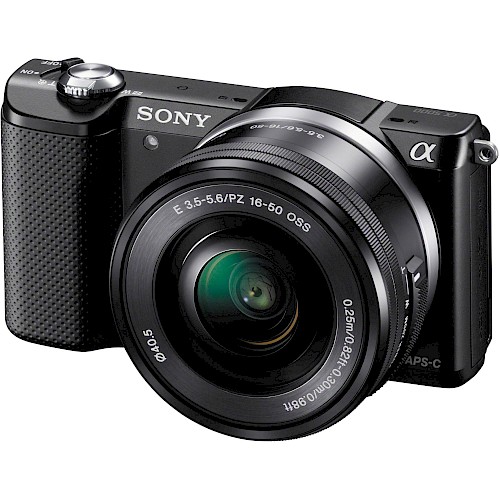
The A5000 is a very common camera for streamers on a budget. It offers a near clean HDMI signal. just a little bar at the bottom to crop out which is perfectly fine if you are streaming at a lower resolution like 720p anyway the quality loss from cropping will be hard to notice.
We recommend using the Movie mode to get a clear image as the photo modes will be far more noisy/blurry.
The camera is not perfect mind you. It has a smooth skin feature that is always enabled on the live view (even if disabled in the menu) the workaround you can find online is to use the clean image zoom feature which does disable this feature but in our testing it resulted in an on screen indicator you could not turn off.
We also noticed the image was quite orange when compared to other cameras we have tested including the older Sony NEX-5
Overall this is a very decent camera and is one of the cheapest cameras you will find with this clean of an output
The camera does only output 1080p 50/60 or 1080i so if your capture card is 720p only or cant do 60fps you may not be able to use this camera
| Manual Controls | Full Manual Control |
| Live Output | Yes |
| Resoluton | 1080p |
| Live Resoluton | 1080p60 |
| Clean HDMI? | No |
| HDCP | No HDCP |
| HDMI Audio | No |
| Standby Timer | No standby timer at all |
| Microphone Input? | No |
| Capture Card | Support | Description |
|---|---|---|
| Cheap Camlink Clone | Yes | |
| Blackmagic Decklink SDI | No | Capture card does not support 1080p 50/60. Should work on 1080i but eww |